
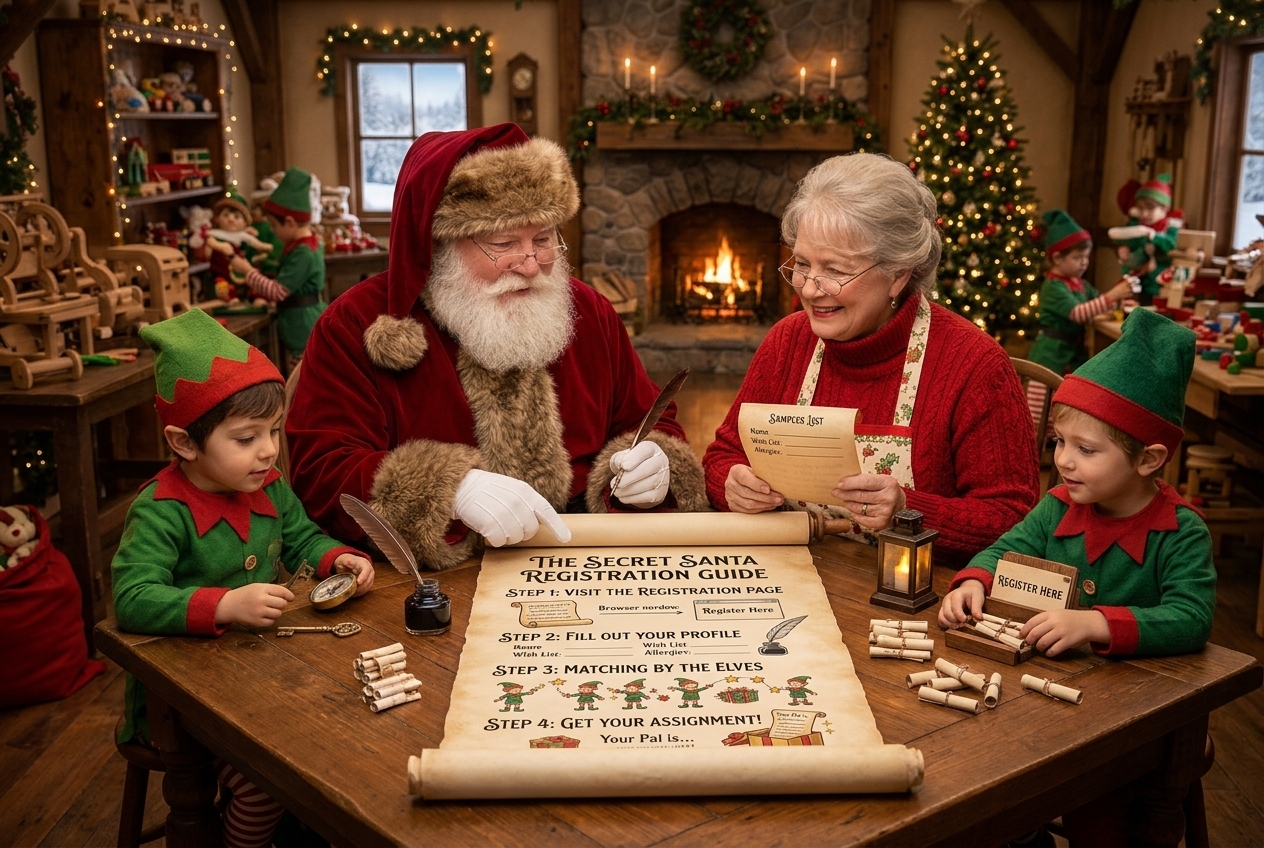
How to Register for Secret Santa
Follow these steps to register for the Secret Santa:
- Visit the registration page.
You can register here. Once the Secret Pals are selected, you’ll get an email to come up and find out who your Secret Pal is. - Fill in the information on the form.
ASide from your name and email, here are some of the other things it asks for:- Provide your email address.
This will be used after the selection of Secret Pals, inc ase the Secret Santa Elf needs to reach you. - Provide your home address
THis is important in case your Secret SAnta wants to mail you cards or gifts - Add your wish list items.
Most of it is simple name and birthday stuff, but don’t leave the Wish List information blank. Provide some ideas you’d like, links to items online, or just give some info about your hobbies, style preferences, things going on in your life. Got new living arrangements? Just went back to school? Bought a new car (give the make model and year)? These types of things can help your Secret Santa get you the best gift.
Note: You can update this later. After you submit your Secret Santa form, you’ll get an email from Secret Santa Elf withthe subject line “We have received your response for 2026 Secret Santa Sign Up Now Form.” Don’t delete that. It has a link in it that let’s you Edit Your Submission to update your wish list. - Check the box that you’re not a robot.
That’s important. THat box makes sure we don’t get a bunch of spam form submissions.
- Provide your email address.
- Submit your registration before the deadline.

Leave a Reply